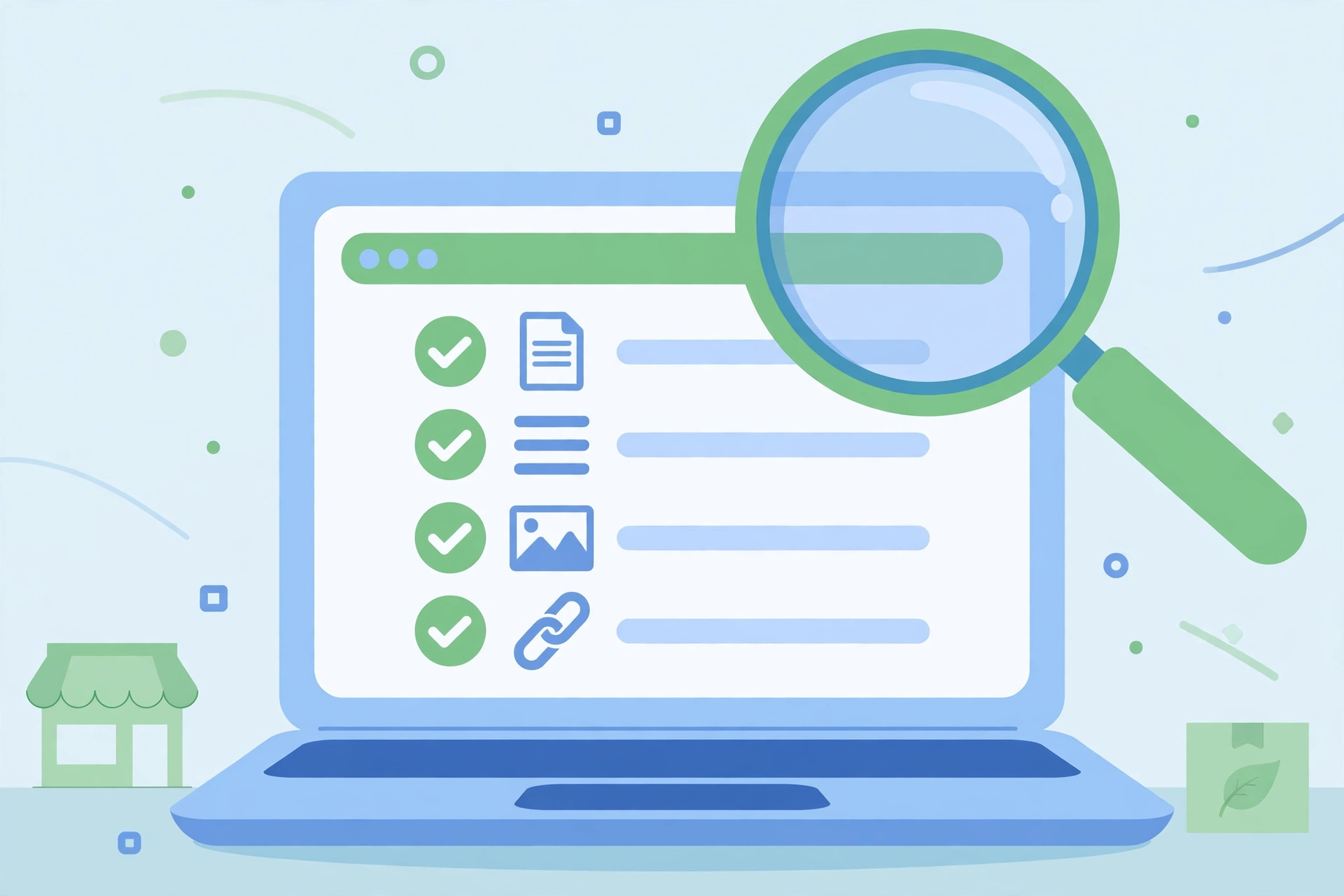
If you run a small business website, on-page SEO is the part of search optimisation you control completely. It is everything you do on the page itself: the title, the headings, the words, the images and the links. Get those right and Google can understand the page, match it to real searches and rank it. This checklist walks through every check in order, so you can work through it on each new page before you publish.
Direct answer: An on-page SEO checklist is a step-by-step list of everything to check on one page so Google can understand it and rank it: one clear title, one H1, a helpful meta description, organised headings, descriptive image alt text, relevant internal links and a fast loading page. Work through the checklist below on every page before you publish it.
What Is On-Page SEO?
On-page SEO covers the parts of a page that you write and control, as opposed to off-page SEO, which covers things other sites do, such as linking to you. Google’s SEO Starter Guide covers the same ground: titles, descriptions, headings and images that help search engines understand a page. That is the whole job. A page that answers the searcher’s question clearly, in plain words, with a sensible structure, is already doing most of the work.
Beginners often mix on-page SEO with technical SEO. The difference is simple. Technical SEO is about the site as a whole: crawling, indexing, speed and security. On-page SEO is about one page at a time. If your site already has a technical SEO audit routine, this checklist is the page level work that sits inside it.
The On-Page SEO Checklist
Work from the top down. Each check below takes a few minutes, and together they cover a full page.
1. One Main Keyword Per Page
Pick one main query the page should rank for, and make sure it is a real question people type. Use free tools to check demand before you write. Our guide to SEO tools for beginners shows which free tools to use and how to read them. Do not try to rank one page for five different topics. One page, one job.
2. Title Tag
The title tag is the blue link people see in Google results. Write it for the person searching, with the main keyword near the start. Keep it short, usually under 60 characters, so it does not get cut off. Make every page title different. A title that repeats on two pages tells Google the pages are the same, even when they are not.
| Element | What good looks like | Keep it |
|---|---|---|
| Title tag | Main keyword near the start, written for the searcher | Under about 60 characters |
| Meta description | One or two clear sentences that say what the page gives the reader | Under about 160 characters |
| URL slug | Short, readable, with the main keyword | No dates, no numbers, no extra words |
| H1 heading | One per page, matches the title in meaning | One only |
3. Meta Description
The meta description is the short text under the title in search results. Google may rewrite it, but a clear description still helps people decide to click. Write one or two sentences that say what the reader will get from the page. Do not stuff it with keywords. Yoast SEO shows a length indicator as you type, so use that as your guide.
4. One H1, Then Sensible H2s and H3s
Use one H1 heading per page, usually the page title. Then break the content into H2 sections in a logical order, with H3s only where a section needs smaller steps. Headings do two jobs: they tell Google what each section is about, and they let a busy reader scan the page in seconds. If your headings read like a table of contents, they are doing their job.
5. Content That Answers the Question
Write the answer first, then the detail. A short direct answer at the top helps readers and gives Google a clear passage to show in results. After that, cover the topic properly: explain the steps, give an example, and answer the follow-up questions a reader would ask. Short paragraphs and short sentences make the page easier to read, especially on a phone. If you are planning a full post, our guide to writing a content marketing strategy shows how to plan the topic before you write a word.
6. Images With Descriptive Alt Text
Every image needs alt text that describes what the image shows, in words a reader would understand. Alt text helps Google understand the image, and it is what a screen reader reads aloud for visitors who cannot see the image. Never leave it empty, and never use a file name such as image1. Give the image a clear file name too, and compress it before upload so it does not slow the page down.
7. Internal Links to Related Pages
Link from the page to two or three related pages on your own site, using anchor text that says what the linked page is about. Internal links help readers find the next step, and they help Google see which pages matter most on your site. Link to pages that genuinely continue the topic. A link that only exists to add a keyword helps nobody.
8. Outbound Links Only Where They Help
Link out only when a source genuinely helps the reader, such as Google’s own guidance or an official tool page. Keep the number small. An outbound link should feel like a reference, not a detour.
9. Page Speed and Mobile Check
Before you publish, open the page on your phone and check that it loads quickly and reads well. Images are the usual cause of slow pages, so compress them first. If the whole site feels slow, work through our guide to speeding up a WordPress website. Speed is part of on-page SEO because a page that loads slowly loses readers before they read a word.
| Check | What good looks like | Done? |
|---|---|---|
| Main keyword | One real query, checked for demand with a free tool | ☐ |
| Title tag | Main keyword near the start, under about 60 characters | ☐ |
| Meta description | One or two clear sentences, under about 160 characters | ☐ |
| URL slug | Short, readable, with the main keyword | ☐ |
| One H1 | Exactly one H1, matching the title in meaning | ☐ |
| H2 and H3 structure | Sections in logical order, scannable like a contents list | ☐ |
| Direct answer at top | Short answer in the first paragraphs | ☐ |
| Content covers the topic | Steps, an example, and follow-up questions answered | ☐ |
| Images have alt text | Every image described in plain words, nothing empty | ☐ |
| Images compressed | Files small enough that the page loads fast | ☐ |
| Internal links | Two or three links to related pages on your site | ☐ |
| Outbound links | Only where a source genuinely helps the reader | ☐ |
| Mobile check | Page opened on a phone, reads well, loads fast | ☐ |
| Yoast checks | Title and keyphrase checks understood, red lights fixed | ☐ |
On-Page SEO in WordPress With Yoast
If your site runs WordPress, the Yoast SEO plugin turns this checklist into a form. Open the post, scroll to the Yoast box, and fill in the focus keyphrase first. Then write the SEO title and meta description in the same box and watch the length indicators. The readability check flags long sentences and long paragraphs, and the SEO analysis lists anything you missed. Treat the lights as a guide, not a grade: a green light on every item is not required, but a red light on the title or the keyphrase is worth fixing before you publish.
Common On-Page SEO Mistakes
| Mistake | Why it hurts | Fix |
|---|---|---|
| Same title on two pages | Google cannot tell the pages apart | Rewrite one title so each page has its own |
| No H1, or three H1s | The page structure is unclear | One H1 only, then H2s |
| Keyword repeated in every sentence | Reads badly and adds nothing | Use the keyword naturally, then use related words |
| Images with no alt text | Google and screen readers get no information | Write a short description for every image |
| No internal links | Readers and Google find no next step | Add two or three links to related pages |
| Publishing without a mobile check | Many readers may see a broken layout | Open the page on your phone before you publish |
How Long Before You See Results?
On-page changes do not rank a page overnight. Google needs to crawl the page again, and new pages usually take weeks before they settle into a position, sometimes longer for a new site. The honest way to judge the work is Search Console: check whether the page gets impressions, which queries show it, and whether the position moves over a few weeks. If a page gets impressions but few clicks, the title and meta description are the first things to improve. Our guide to building backlinks for a new website covers the off-page side that comes after the page itself is right.
Frequently Asked Questions
What is the difference between on-page and off-page SEO?
On-page SEO is everything you do on the page itself: title, headings, content, images and links. Off-page SEO is everything other sites do, mainly linking to you. Fix the page first, then build links to it.
Do I need Yoast SEO to do on-page SEO?
No. Yoast makes the checks easier by turning them into a form, but the checklist works without it. The checks are the same either way.
How many keywords should one page target?
One main query, plus the natural related words that belong in the topic. One page, one job.
Does the meta description affect rankings?
Not directly as a ranking factor. It affects whether people click when they see the page in results, and Google may rewrite it. Write it for the reader, not for the ranking.
How long should a blog post be?
Long enough to answer the question fully. A short page that does not answer the question will not rank, whatever its length. Cover the steps, give an example, and answer the follow-ups.
Should I update old pages with this checklist?
Yes. Work through your most important pages first, one at a time, and re-check them in Search Console after a few weeks.
Conclusion
On-page SEO is not a trick. It is a habit: one keyword, one clear title, one H1, organised headings, helpful images and links, and a quick check on your phone before you publish. Run this checklist on every new page, then work through your older pages one at a time, starting with the pages that already get traffic. The pages that answer real questions clearly are the pages that rank.