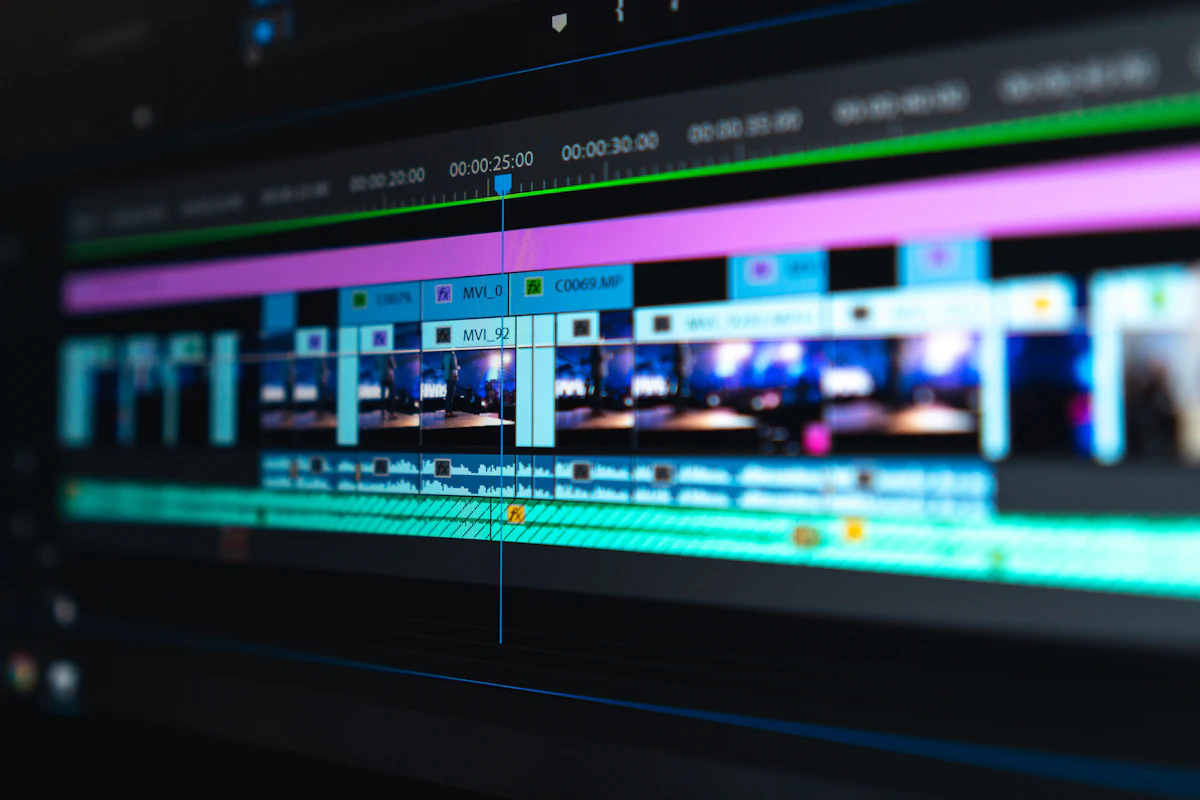
Quick answer: Descript is the best AI tool for talking-head and podcast-style editing, since it lets you edit video by editing a text transcript, deleting a sentence removes the matching footage automatically. For turning long recordings into short social clips, Reap and Vizard lead on automatic highlight detection and vertical reframing. CapCut remains the strongest genuinely free option, and DaVinci Resolve is the best free choice for professional-grade colour and finishing work. AI speeds up the mechanical parts of editing; the creative and structural decisions still need a human.
Video editing used to mean scrubbing timelines for hours, cutting silences by hand, and manually reformatting the same clip for five different platforms. AI has genuinely automated a large share of that mechanical work, though it still falls short of the harder judgement calls, like knowing which thirty seconds of a two-hour interview will actually resonate with an audience.
This guide breaks down the strongest tools by what you are actually trying to do, gives you a genuine starting path if you have never used AI editing before, and covers specifically what these tools still get wrong.
What AI Video Editing Actually Automates
Understanding what these tools genuinely handle well sets realistic expectations before you pick one. AI editors reliably handle auto-captioning with accurate timing, automatic silence and filler-word removal, reframing horizontal footage to vertical for social platforms, and identifying clip-worthy highlight moments from a longer recording.
They do not reliably handle the deeper structural decisions: whether a specific tangent adds genuine value or should be cut, whether a joke lands in context, or which of several strong moments best represents your actual message. Those judgement calls still benefit from a human review pass.
Best for Talking-Head and Podcast Editing: Descript
Descript pioneered transcript-based editing, and it remains the most mature tool for this specific workflow. You edit the video by editing a text transcript: delete a sentence, and the matching footage disappears from the timeline automatically, which is dramatically faster than manually scrubbing for the same cut.
Its Underlord assistant extends this further, handling multi-step requests like filler-word removal, audio cleanup and pulling short social clips from a longer recording, all through natural language instructions rather than manual timeline work.
Best for: podcasters, interviewers and talking-head video creators who want the fastest possible route from raw recording to a clean edit.
Best for Repurposing Long Content Into Shorts: Reap and Vizard
If your main workflow is turning one long recording, a podcast, webinar or interview, into multiple short, platform-ready clips, this is a genuinely distinct category from general editing, and a handful of tools specialise specifically in it.
Reap and Vizard both identify highlight moments automatically, reframe footage for vertical viewing while keeping the speaker centred, add styled captions, and prepare clips for multi-platform distribution in one workflow. This solves a specific, high-value problem: workflow compression from one long asset into many short, publish-ready ones.
Best for: podcasters, marketers and agencies producing high-volume short-form content from longer source material.
If you are also building out the social publishing side of this workflow, our guide on how to use AI for social media content creation covers platform-by-platform adaptation once your clips are ready.
Best Free Option: CapCut
CapCut offers an unusually generous free tier, with AI features that have genuinely caught up to its editing depth, a frequently updated trending-effects library, and the same project syncing seamlessly between mobile and desktop.
Best for: creators editing primarily for TikTok, Reels and Shorts who want strong AI features without paying anything.
Best Free Professional-Grade Option: DaVinci Resolve
The base version of DaVinci Resolve is free and includes genuinely professional AI tools: Magic Mask for object isolation, voice isolation for cleaner audio, and Smart Reframe for automatic vertical conversion. The paid Studio version adds further AI tools for a one-time purchase rather than a subscription.
Best for: creators and small studios wanting professional-grade colour, audio and compositing tools without an ongoing subscription cost.
Best for Prompt-Based Editing: Adobe Firefly and Premiere Pro
Adobe’s AI integration lets you describe an edit in plain language and have Premiere execute it, alongside more advanced generative capabilities through Firefly, such as extending a shot or generating supporting footage. This suits editors who want AI assistance layered onto a full, established professional editing suite rather than a standalone AI-first tool.
Best for: editors already working in Premiere Pro who want AI assistance without switching their entire toolkit.
A Genuine Starting Path if You Have Never Used AI Editing
Most competing guides jump straight into a ranked list without a starting point for someone who has never touched AI editing before. Start here.
Week one: use CapCut’s free tier on a short, low-stakes video to learn auto-captioning and basic AI cuts without any cost or pressure.
Week two: if your content involves a lot of speaking, such as an interview or a talking-head video, try Descript’s transcript-based editing on the same type of footage to feel the difference in workflow.
Week three: if you regularly produce long-form content you want to repurpose, trial a short-form specialist tool like Reap or Vizard on one real recording and compare the output quality against what you would have manually clipped yourself.
What AI Editing Still Gets Wrong
This is the part most competing guides gloss over with a passing caveat. Being specific about current limitations sets realistic expectations rather than disappointment after the fact.
Long tangents that are technically on-topic but add no real value. AI reliably catches filler words and silences, but rarely detects a rambling section that stays grammatically coherent while adding nothing useful.
Humour and tone. AI struggles to judge whether a joke lands in context, or whether a moment reads as genuine versus awkward, which still needs a human ear.
Choosing between multiple strong moments. When a recording has several genuinely good clip-worthy sections, AI highlight detection often surfaces reasonable candidates, but choosing the single best one for your specific goal still benefits from human judgement.
Realistic Costs Across a Year
Free tools like CapCut and base DaVinci Resolve cover a genuinely large share of what most creators need at zero ongoing cost. Mid-tier subscription tools for short-form repurposing typically run in the range of a modest monthly subscription, which adds up over a year but often pays for itself quickly in saved editing hours if you produce content regularly. Premium suites like Adobe’s ecosystem cost more but bundle in a far wider set of professional tools beyond editing alone.
Frequently Asked Questions
What is the best free AI video editing tool?
CapCut offers the most generous free AI feature set for social-first editing, while DaVinci Resolve’s free version is the strongest option for professional-grade colour and audio work.
Can AI fully replace manual video editing?
Not yet. AI reliably handles mechanical tasks like captioning, silence removal and reframing, but structural decisions, such as judging tone or choosing between several strong clips, still benefit from human review.
What is the best AI tool for turning a podcast into short clips?
Reap and Vizard both specialise in this specific workflow, automatically identifying highlight moments, reframing for vertical platforms, and adding captions in one pass.
Is Descript good for beginners?
Yes, particularly for talking-head or interview-style content, since its transcript-based editing lets you cut footage by editing text, which is more intuitive than a traditional timeline for many beginners.
Does AI video editing actually save time?
Yes, particularly for mechanical tasks like captioning and silence removal, though the time saved varies depending on how much manual review your specific content still needs afterward.
What should I check before choosing an AI video editing tool?
Confirm the tool fits your primary workflow, long-form editing, short-form repurposing, or professional finishing, since these are genuinely distinct categories that few tools cover equally well.
Choosing Your Tool
Match the tool to your actual workflow rather than the most feature-packed option available: transcript-based editing for talking-head content, a repurposing specialist for turning long recordings into shorts, or a free professional suite if colour and finishing matter most. If you want help building the wider content strategy your videos feed into, our guide to how to write a content marketing strategy from scratch is a solid next read.